Spam Control
Support Ticket Spam Control
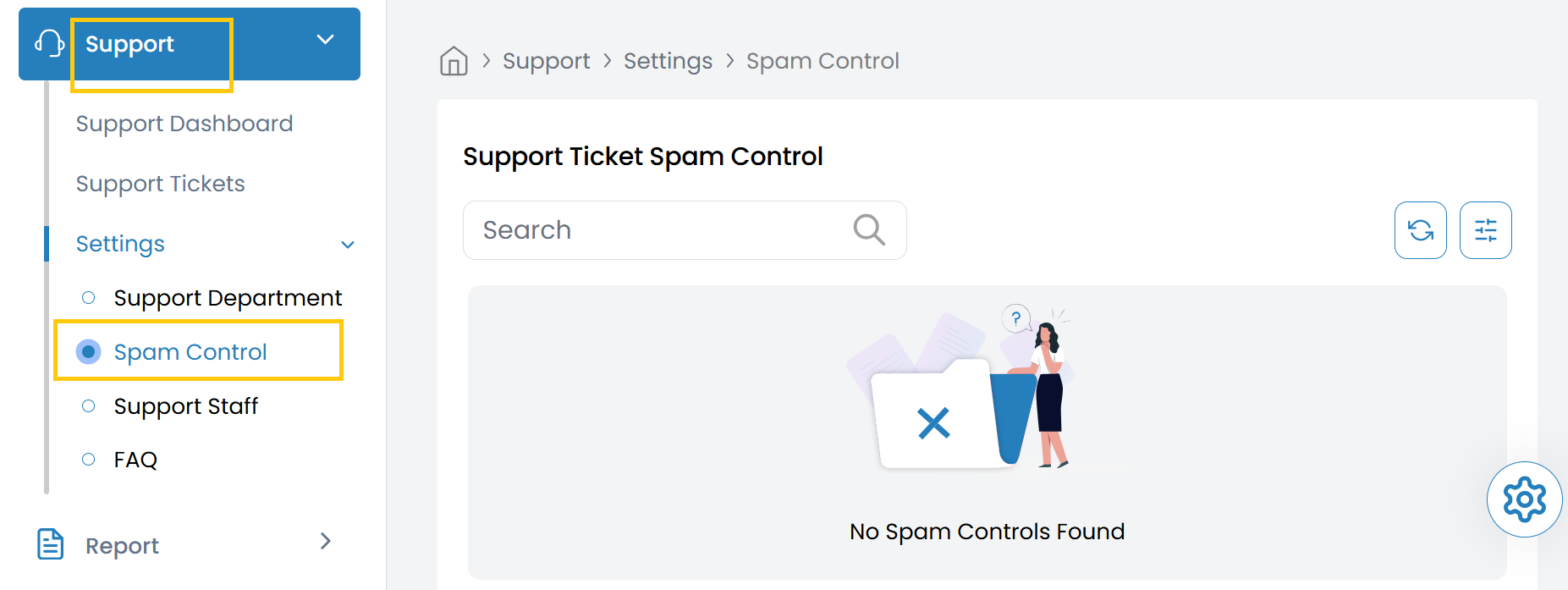
The Spam Control section displays tickets that have been flagged as spam. This feature helps teams manage and filter out irrelevant or malicious inquiries.
- Navigate to the Support section, select the Settings tab.
- From the Settings tab, click on Spam Control to view support ticket spams.
Conclusion
The Spam Control feature provides an effective way to manage and filter unwanted support tickets, helping your team focus on legitimate customer inquiries. By regularly monitoring this section, you can maintain an efficient support workflow.